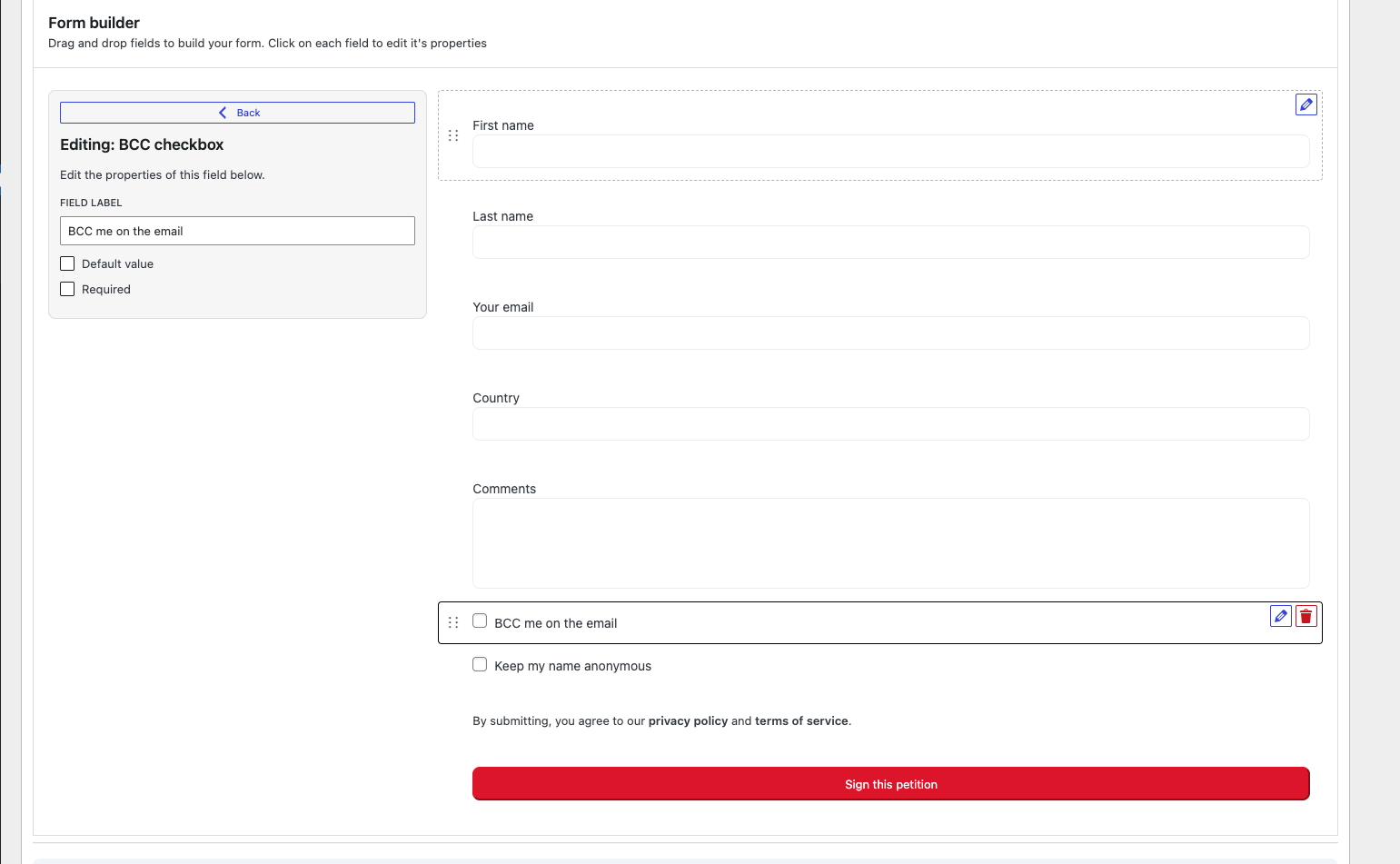
Special fields: keep anonymous and BCC
Petitioner includes several specialized fields for petition forms. Here’s how to use them:
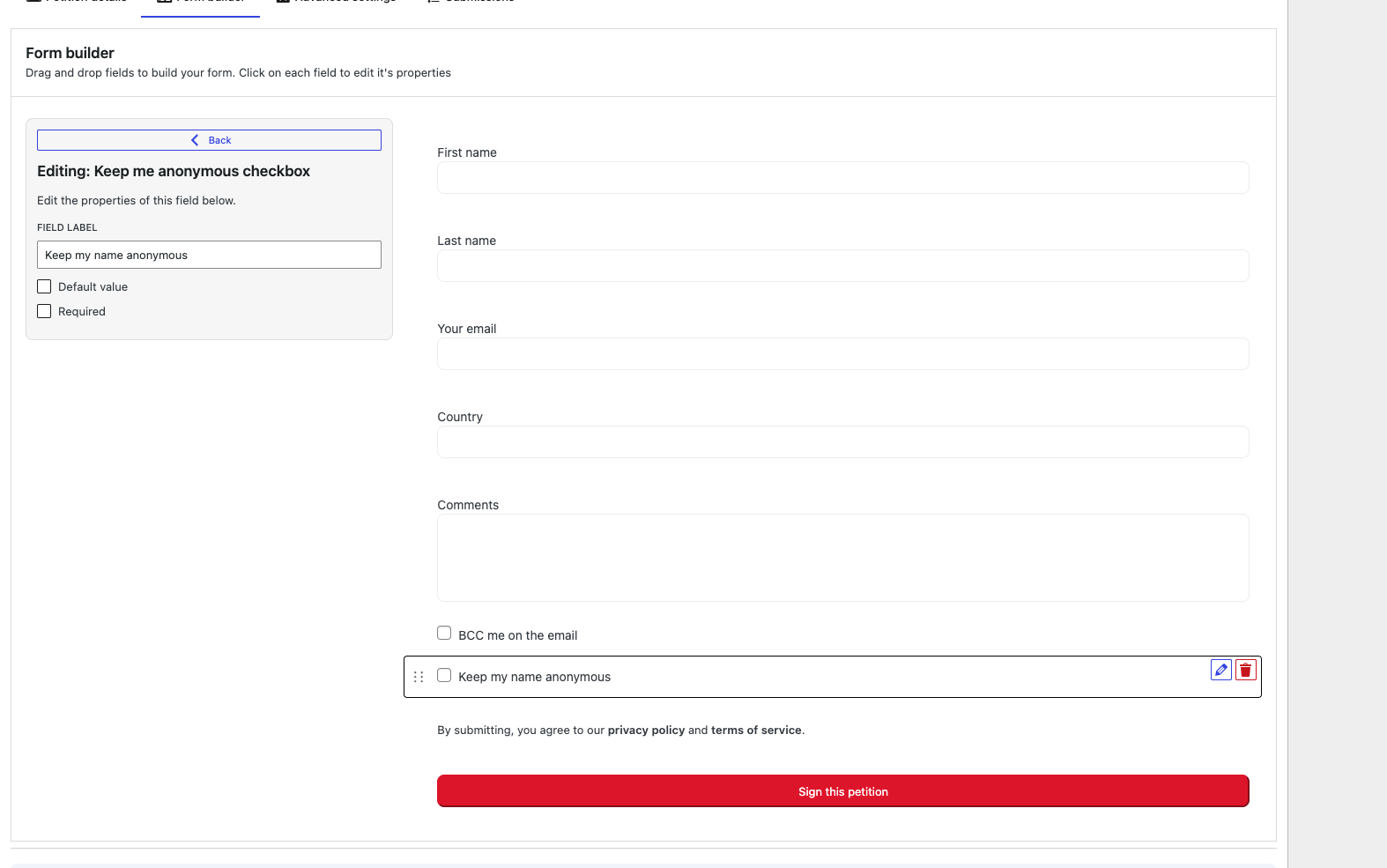
Keep me anonymous
This field allows signers to choose whether their name appears in the public list of petition signatures. When enabled, users can opt to sign the petition anonymously while still contributing to the petition count. Note: Administrators can always view the signer’s information in the backend, and the name will be included when sending emails to representatives.
BCC me
This field allows signers to receive a copy of the email sent to the representative. When checked, the signer will be added to the BCC (Blind Carbon Copy) field of the outgoing email. Note: This option only functions when email-to-representative functionality is enabled in your petition settings.